
 By Amelia James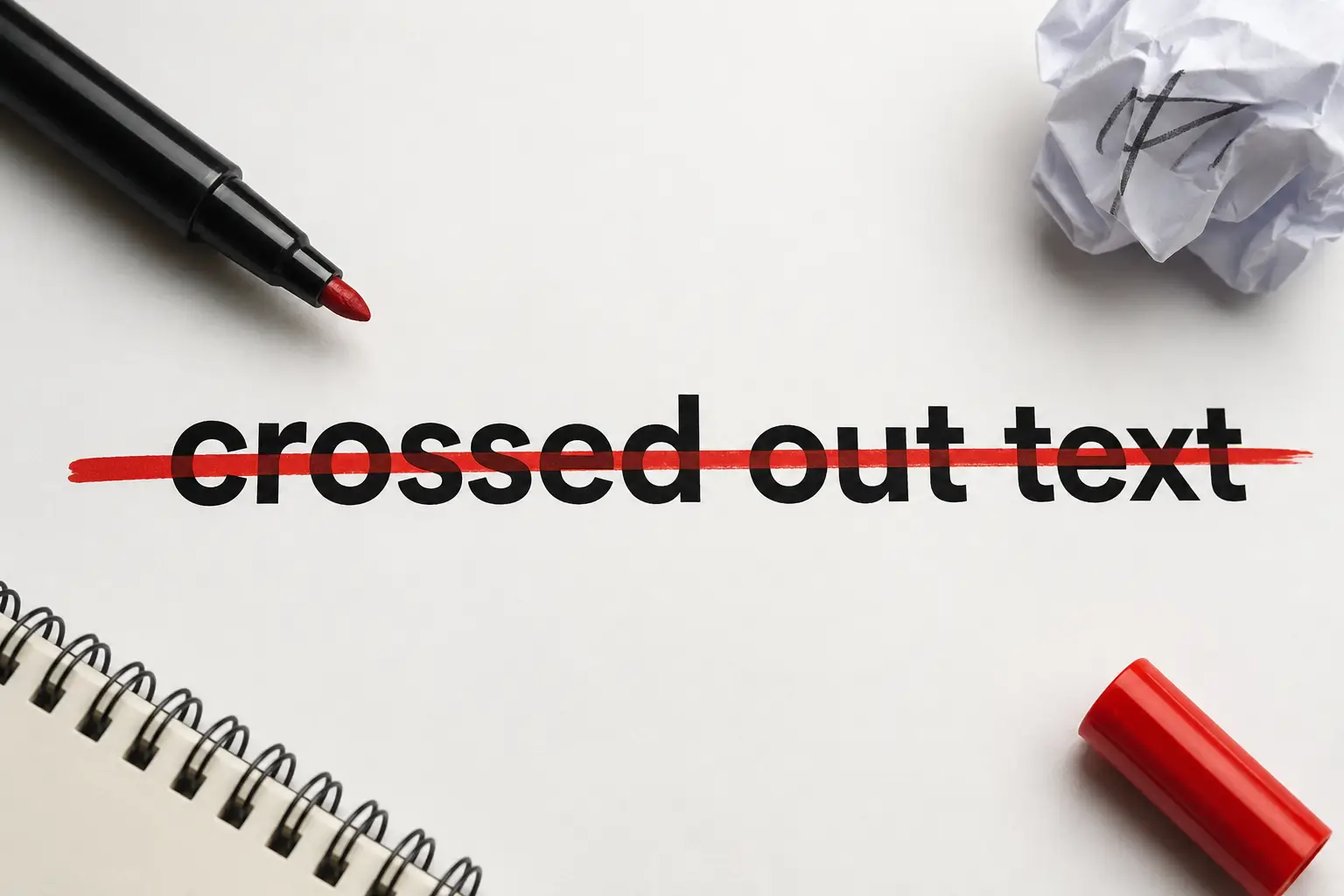
You have seen it everywhere online.
Text with a line through it. A word crossed out. A sentence with a strikethrough running right through the middle.
Sometimes it shows a correction. Sometimes it is humorous. Sometimes it marks a completed task. And sometimes it just looks cool in a social media bio.
That is crossed out text. And knowing how to create it on every platform you use is a genuinely useful skill in 2026.
This complete guide covers everything. What crossed out text actually is, how it works technically, how to create it in Word, Google Docs, Discord, WhatsApp, Instagram, Facebook, HTML, and using online generators.
Crossed out text, also called strikethrough or strikeout text, is a typographic style where a horizontal line runs through the center of characters.
The line does not delete the text. It just draws a visible mark through it. The original words stay readable beneath the line. That is exactly what makes it useful. You can show something was there while also showing it has been changed, removed, or reconsidered.
People use crossed out text for many different reasons in 2026:
Showing corrections and edits: Writers and editors use strikethrough to show revisions without hiding the original. You can see what changed and what replaced it. This is common in collaborative documents and public update posts.
Indicating completed tasks: In to-do lists and productivity posts, crossing out a completed item is deeply satisfying. It is visual confirmation that something is done.
Showing outdated information: When a price changes, when an event is cancelled, or when information gets updated, crossed out text shows the old version while presenting the new one alongside it.
Humor and sarcasm on social media: This is one of the most popular uses in 2026. Posting the polite version, crossing it out, and following it with the honest version. Readers see exactly what you meant to say.
Visual style in bios and usernames: Crossed out text adds visual distinction to social media bios, Discord usernames, and gaming profiles. It makes text stand out without being garish.
Price displays in e-commerce: Online stores cross out the original price to show discounts. The struck-through number next to a lower price is one of the most common visual selling techniques online.
At Teche Advice, we cover software guides and practical technology skills that US readers actually need. Crossed out text is one of the most searched formatting topics in 2026. This guide walks you through every method from every angle.
Before diving into the how-to steps, it is worth understanding the technical mechanics. This helps you choose the right method for your specific situation.
There are two completely different ways crossed out text works.
Platform-specific formatting: Applications like Microsoft Word, Google Docs, Discord, and WhatsApp apply strikethrough through their own internal formatting systems. The line through the text exists within that platform. When you copy the text and paste it somewhere else, the strikethrough usually disappears because the formatting code stays behind.
Unicode combining characters: This is the portable method. It uses a special Unicode character called the Combining Long Stroke Overlay, referenced as U+0336. This character is inserted after each letter in your text. The browser or app then renders that combining character visually on top of the preceding letter, creating the strikethrough appearance.
The crucial difference is this. Unicode strikethrough travels with the text. When you copy it and paste it into Instagram, Twitter, WhatsApp, Discord, or any other app that supports Unicode, the crossed-out appearance follows. The strikethrough is embedded in the characters themselves rather than depending on any platform’s formatting system.
This is why online strikethrough generators are so popular. They convert your normal text into Unicode crossed out text that works anywhere.
There are also three distinct strikethrough visual styles using Unicode:
- Single Strike: the classic horizontal line through the center of each character
- Slash Through: a diagonal line creating a more aggressive, deleted appearance
- Tilde Strike: a wavy line for a more decorative or playful effect
Knowing this distinction helps you pick the right approach every time.
Google Docs handles strikethrough differently from Word, but it is equally simple.
Step 1: Open your Google Doc and select the text you want to cross out.
Step 2: Click Format in the top menu bar.
Step 3: Hover over Text in the dropdown menu.
Step 4: Click Strikethrough from the submenu. The line appears through your selected text immediately.
This is the fastest method once you remember the shortcut.
On Windows: press Alt + Shift + 5 with your text selected. On Mac: press Command + Shift + X with your text selected.
The strikethrough applies instantly. Use the same shortcut again to remove it.
Google Docs does not show a strikethrough button in the default toolbar. But you can add formatting buttons by going to View and enabling specific toolbar options. For regular strikethrough users, setting up the keyboard shortcut is faster than menu navigation.
Google Docs strikethrough works within the document, but like Word, the formatting does not travel with the text when pasted to platforms outside Google Workspace.
Social media platforms are where crossed out text is most creatively used in 2026. Each platform has its own approach.
Discord uses Markdown formatting. The crossed out text method is one of the simplest on any platform.
To create strikethrough text in Discord:
Type two tilde characters before your text and two tilde characters after your text. A tilde is the symbol that looks like a wavy line, found on the key above Tab on most keyboards.
Example: typing two tildes, then your word, then two tildes sends the message with a horizontal line through the word.
On desktop Discord, you can also highlight text after typing it, and a formatting pop-up appears. The strikethrough option is one of the buttons in that pop-up. Click it, and the formatting applies before you send.
On mobile Discord, use the markdown method with the tildes. Type the symbols manually since the mobile keyboard does not show the formatting pop-up the same way as a desktop.
One important note: make sure there are no spaces between the tilde symbols and your text. Spaces prevent the markdown from applying correctly.
WhatsApp also uses markdown-style formatting. The method is identical to Discord.
Type two tildes before your word and two tildes after your word. Send the message. The text appears with a strikethrough line in the chat.
On WhatsApp mobile: Select the text you have already typed by holding your finger on it. A formatting menu appears. Look for the strikethrough option represented by the letter S with a line. Tap it to apply.
WhatsApp strikethrough works across iOS and Android without any difference in method.
This is where the Unicode method becomes essential.
Instagram and Facebook do not support Markdown or any native strikethrough formatting. If you type with tilde symbols on Instagram, it posts exactly as you typed it with the tilde symbols visible. No strikethrough effect.
The solution is a free online Unicode strikethrough generator.
How to use it:
Step 1: Search for a free strikethrough text generator online.
Step 2: Type or paste your normal text into the input box.
Step 3: The generator produces a crossed-out version using Unicode combining characters.
Step 4: Copy the output text.
Step 5: Paste it directly into your Instagram bio, caption, story text, or Facebook post.
Because the strikethrough effect is embedded in the Unicode characters themselves, it appears crossed out on any platform that supports Unicode. That includes Instagram, Facebook, Twitter, LinkedIn, TikTok bio text, and virtually every other social platform in use in 2026.
Online strikethrough text generators are the most versatile solution for creating crossed-out text in 2026. Here is exactly how they work and when to use them.
The generator process is always the same regardless of which specific tool you use:
Step 1:Open a strikethrough text generator in your browser.
Step 2:Type or paste your normal text into the input field.
Step 3: The crossed-out version appears in the output field automatically in real time. You do not need to click a button. It converts as you type.
Step 4:Copy the output text using the copy button or by selecting and using Ctrl C or Command C.
Step 5:Paste it wherever you need it.
Most generators offer multiple style options:
- Long Stroke: the standard horizontal line through each character
- Short Stroke: a slightly shorter line
- Slash Through: a diagonal mark through each character
- Curved or Tilde: a wavy line for decorative purposes
You can also combine strikethrough with bold or italic styling in some generators. This gives you additional visual options for creative social media use.
The key advantage of the generator method over platform-specific formatting is portability. Copy the Unicode strikethrough output once, and it works on every platform without repeating the process.
Not all strikethrough text looks the same. Here is a breakdown of the main visual styles and when each one works best.
Single Strikethrough: The most common and widely recognized style. A single horizontal line runs through the center of each character. This is the standard used in Word, Google Docs, Discord, and most applications. Best for professional documents, task lists, corrections, and standard editing use.
Double Strikethrough: Two horizontal lines run through the text instead of one. Available in Microsoft Word through the Font dialog box. Used when you want a more visually emphatic crossed-out effect. Less common than single but sometimes preferred for formal document editing.
Slash Through: A diagonal line runs through each character. Created using the Unicode combining short solidus overlay character. This style gives a more aggressive, detailed appearance. Popular for creative social media use and visual design contexts.
Tilde Strike: A wavy line runs through the text. Created using the Unicode combining tilde overlay character. This is the most decorative option and works best for casual social media posts, usernames, and creative contexts rather than professional documents.
Red Lined Strikethrough: In some word processors and collaborative tools, you can apply colored strikethrough. Red crossed-out text is especially common in legal documents, track changes workflows, and editorial review processes, where color coding helps distinguish different types of edits.
Understanding the most practical applications helps you use crossed-out text more effectively.
Document editing and collaboration: The most professional use. When working on shared documents, strikethrough shows what is being removed without deleting it until the team reviews and approves the change. Track Changes in Word applies strikethrough automatically when text is deleted in review mode.
Price comparisons in e-commerce: Showing a struck-through original price next to a sale price is one of the most effective visual sales techniques available. The crossed-out number makes the discount immediately obvious without any additional explanation.
Update notices on blog posts and news articles: When information changes after an article is published, editors cross out the outdated information and add the correction alongside. Readers see both the original and the update, which builds trust and transparency.
Social media humor: The crossed-out-honest-thought format has become a recognized social media convention. It allows creators to post something that reads as two thoughts simultaneously, generating engagement through the recognizable format.
To-do lists and productivity tracking: Crossing out completed items is a deeply satisfying visual system. Digital planners, productivity apps, and task management tools all support strikethrough for exactly this reason.
Gaming and forum usernames: Creative text formatting, including strikethrough, has been part of gaming culture for years. Crossed-out text in usernames and forum signatures creates a visual distinction in crowded player lists and thread discussions.
For developers building websites and web applications, crossed-out text is a standard HTML and CSS feature.
There are two HTML tags for crossed-out text. Each has a slightly different semantic meaning.
The S tag creates a visual strikethrough for text that is no longer accurate or relevant. Use it when something is outdated or has been superseded by new information.
The DEL tag also creates a visual strikethrough but specifically marks text as deleted content in the context of document editing. It is the semantically correct choice when showing that content has been removed from a document.
Both tags render with a line through the text by default in all modern browsers.
You can also apply strikethrough using CSS through the text-decoration property. The value is line-through.
Apply it to any element. You can combine it with other text-decoration values like underline or overline, using spaces between values if you need multiple decorations simultaneously.
CSS strikethrough is useful when you want to apply crossed-out text conditionally based on user interaction, state changes, or dynamic content updates without modifying the HTML markup directly.
One important note for developers. Strikethrough text is purely visual. Screen readers do not announce that text is crossed out by default. If the crossed-out status of content is important for meaning, add an aria-label or visually hidden text that communicates the struck-through status to assistive technology users.
A few practical guidelines that improve how you use crossed-out text across all platforms.
Match the method to the platform: Use native formatting in Word and Google Docs. Use tilde markdown in Discord and WhatsApp. Use Unicode generators for Instagram, Facebook, and any platform that does not support native strikethrough.
Do not overuse it: Crossed-out text works because it draws visual attention. If everything in your content is crossed out, nothing stands out. Reserve it for moments where the contrast between the original and current text genuinely adds meaning.
Keep it readable: The text beneath the strikethrough line should still be legible. Very thin or very decorative fonts can make struck-through text hard to read. Standard fonts work better when you need the original text to remain visible.
Consider accessibility: As mentioned in the developer section, strikethrough is visual. If the crossed-out meaning matters for your content, find ways to communicate it to users who may not see it visually.
Use the right style for the context: Single strikethrough for professional documents and editing. Tilde or slash for creative social media use. Double strikethrough when you need extra visual emphasis in Word documents.
At Teche Advice, we publish practical software and technology guides that help US readers actually get things done. Crossed-out text is a small but genuinely useful formatting skill that improves how you communicate across every digital platform you use in 2026.
Crossed out text is officially called strikethrough or strikeout text. It is a typographic style where a horizontal line runs through characters to indicate deletion, correction, humor, or completion.
Use a free Unicode strikethrough generator online. Type your text, copy the crossed-out output, and paste it anywhere, including social media, chats, emails, and apps, without losing the effect.
There is no default shortcut in Word. Use the Home tab and click the strikethrough S button in the Font section, or open the Font dialog using the small arrow in the Font group corner.
Place two tilde symbols before and after your text with no spaces between the tildes and your words. Discord automatically renders the message with a strikethrough line through it.
HTML and Markdown strikethrough only work within their own apps. Unicode strikethrough from an online generator stays crossed out when pasted to any app that supports Unicode rendering.